Too many songs for one brain.
A big catalog is too much to sort in your head. Somewhere around song 80 you forget what you thought of song 12. Ordinalist breaks it into small, easy choices and keeps track for you.
Guide
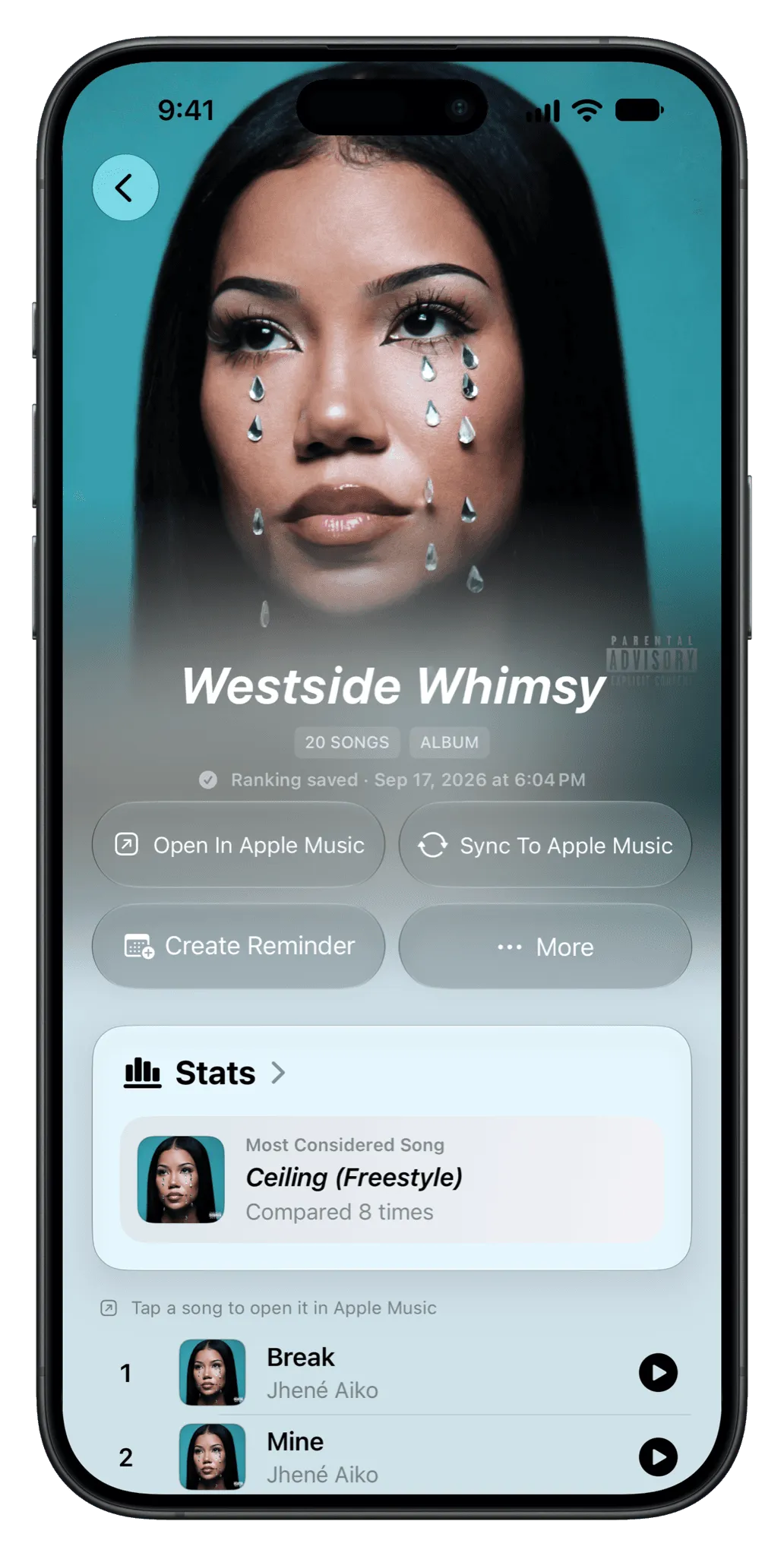
Choose the artist in Ordinalist, a free app for iPhone, iPad and Mac, and it turns their discography into a series of this-song-or-that-song choices. Answer them and you get one complete ranking of the whole catalog. Yes, even the deep cuts.
A big catalog is too much to sort in your head. Somewhere around song 80 you forget what you thought of song 12. Ordinalist breaks it into small, easy choices and keeps track for you.
Rankings and stats sync through your iCloud account, so you can start on iPhone, keep going on iPad and show off your questionable taste on the Mac.
Sync the finished ranking to Apple Music and play the whole catalog best-first. Or worst-first, if you’re like that.
Yes. Along with albums and playlists, you can choose an artist’s discography and rank it with the same head-to-head choices.
Yes. Rankings and stats sync through your own iCloud account across iPhone, iPad and Mac.
Yes. It imports from Apple Music and can sync a finished ranking back to an Apple Music playlist.
Ordinalist is free on iPhone, iPad and Mac.