4th. The spreadsheet.
Score every song out of ten, sort the column, done. Great for data, miserable for feelings, and somehow everything ends up a seven.
Guide
You can rank music with a spreadsheet, a drag-and-drop list, a tier list, or head-to-head comparisons. For long lists, head to head is the easiest to get right, because you only ever decide between two songs. Ordinalist does it for free on iPhone, iPad and Mac.
Score every song out of ten, sort the column, done. Great for data, miserable for feelings, and somehow everything ends up a seven.
Fine for five songs. At forty you’re scrolling, dragging and second-guessing, and the middle of the list is pure guesswork.
Fast and fun to share. But a tier is a pile, not an order, so you still don’t know your actual favorite.
Two songs, one choice, over and over, until the order falls out. You never hold more than two songs in your head. That’s how Ordinalist works.
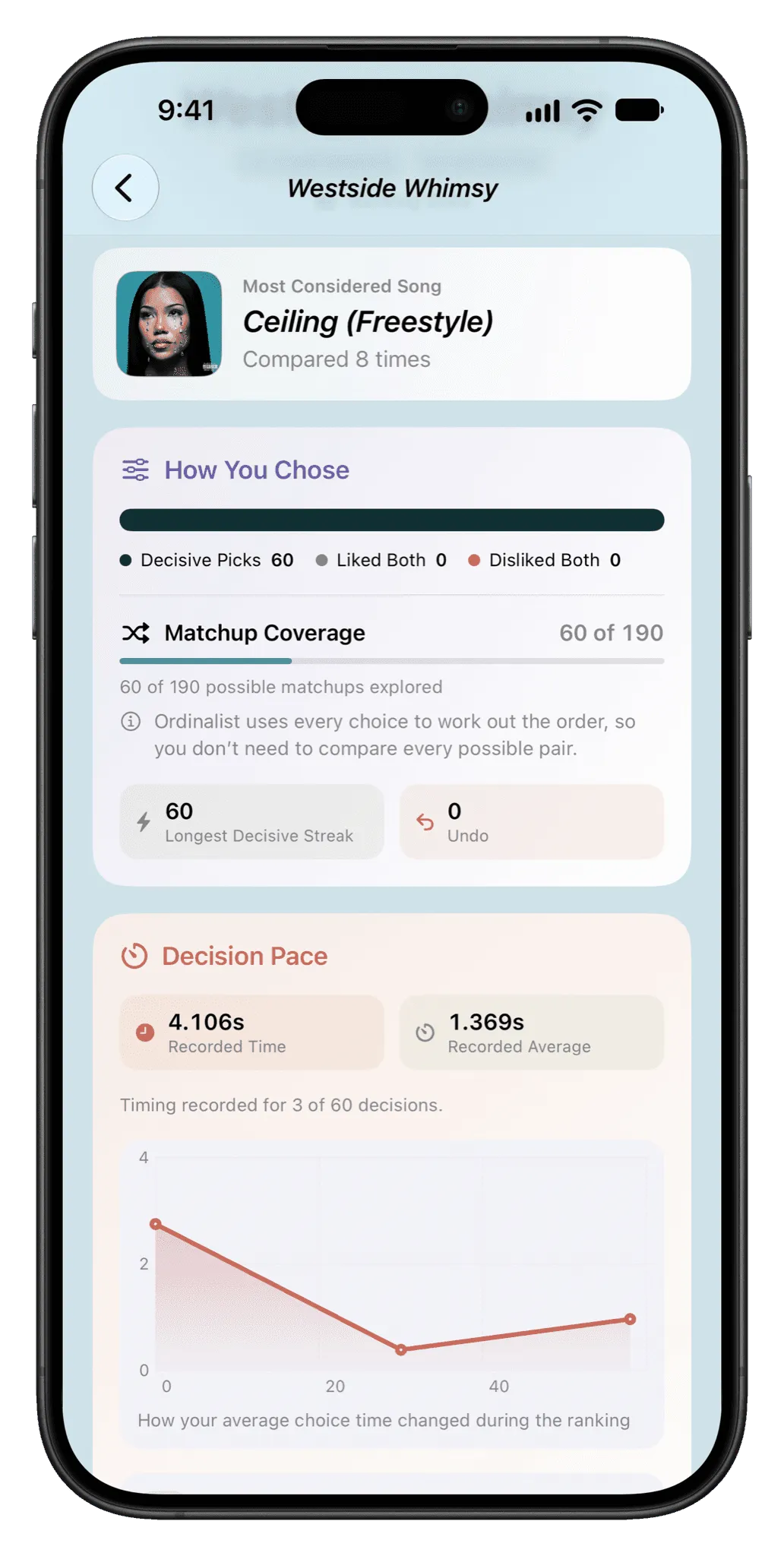
For long lists, compare songs two at a time. Each choice is easy, and the answers add up to a full ranking. Ordinalist does this for free on iPhone, iPad and Mac.
Ordinalist doesn’t decide what you like. It asks you to pick between two songs at a time, then builds your ranking from your answers.
No. There are no accounts, ads, third-party analytics or tracking. Rankings stay on your device and sync through your own iCloud account if you turn that on.
Ordinalist is free on iPhone, iPad and Mac.